5 best integration platforms 2024

PUBLISHED
August 17, 2026
The rapid pace of innovation in integration technology continues unabated. Just a few years ago, companies were committed to complex, on-premises products that required a significant and ongoing investment of time, resources, and budget.
Today, enterprise integration is an enabler of innovation, helping organizations digitally transform while accelerating critical technological advances.
No longer tied to legacy on-premises technology, companies are rapidly moving to the cloud. Composable IT infrastructure provides greater agility and speed, supporting profitable, lasting business success.
This updated buyer’s guide provides a detailed overview of integration platforms so you can compare vendors based on these important considerations:
Platform integration connects independent software applications to streamline interactions between each application.
There are many different types of integration technology available today, including:
With the shift to cloud-based operations, iPaaS technology is leading the trend.
“iPaaS has moved into widespread adoption worldwide, reaching 20% to 50% of the global target audience that will use iPaaS offerings to integrate not only applications and data, but also ecosystems, APIs, and business processes.”
Gartner Hype Cycle for Cloud Platform Services 2022
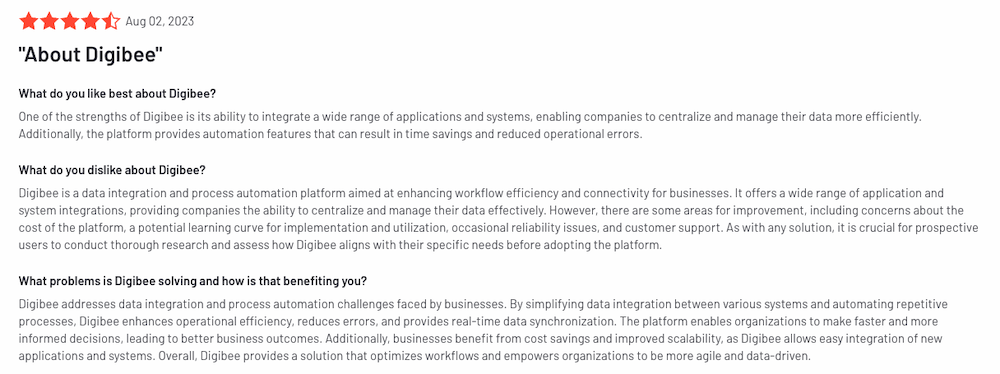
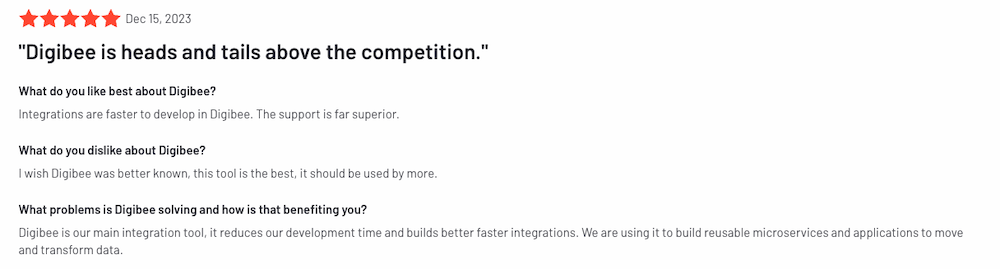
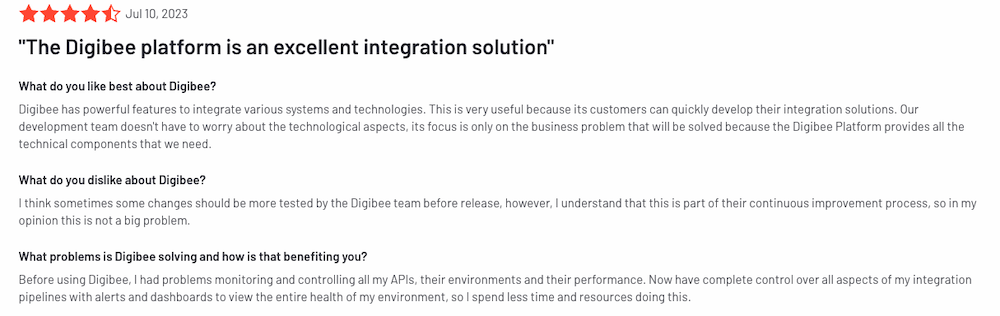
PROS/CONS– Authentically cloud-born platform
– Implement in weeks versus months (or years)
– Works alongside existing legacy iPaaS solutions to accelerate stalled innovation initiatives
– Accessible to developers of all skill levels, with no expensive training or certification required
– Simple, complete pricing model that includes maintenance and support – Although rapidly gaining market share, Digibee is new to the market
– Technology focuses exclusively on integration versus broader capabilities such as API management
Digibee pricing reflects a contemporary “all-in-one” model that provides free access to the latest product innovations and capabilities. Pricing is incredibly simple, requiring only three SKUs with no limitations. Instead of charging for maximum potential usage, as is typical with legacy iPaaS solutions, Digibee customers pay only for what they consume.
The pricing model is based on the provision of pipelines and Runtime Units (RTUs), as follows:
SKU #1
10 pipelines, 20 production RTUs, 10 test RTUs
SKU #2
Additional pipeline, includes production/test RTUs
SKU #3
More RTUs as needed in production/test environments
As the customer’s integration strategy expands, pipelines and RTUs are added as needed. This ensures the customer pays only for what they use, with the price per unit decreasing as the implementation grows.
Digibee customers get access to all features and capabilities at no additional cost. A new customer can start with SKU #1 for under $60,000, including:
Digibee provides an interactive product tour of the Integration Platform.
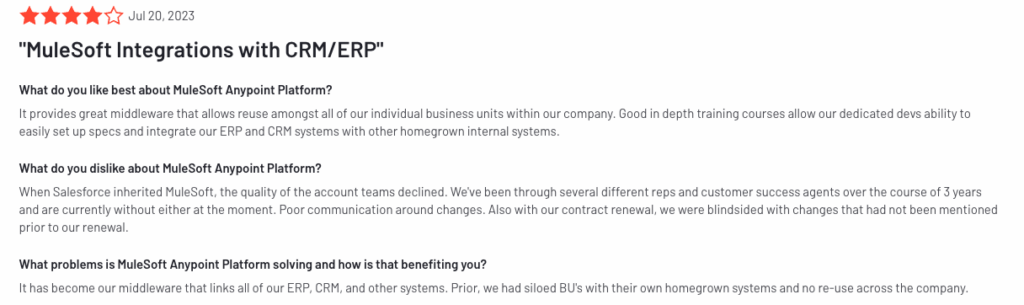
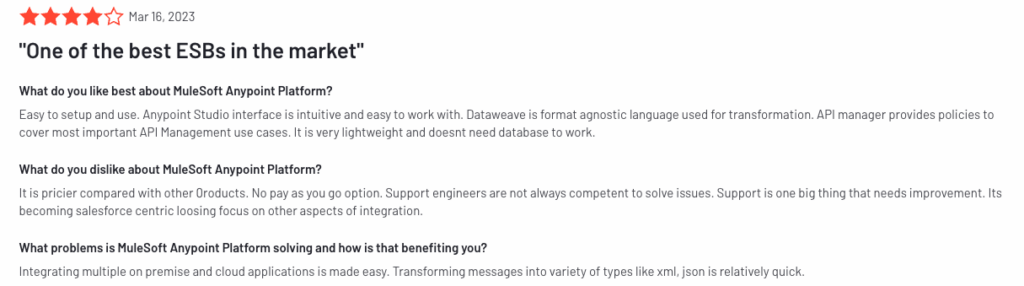
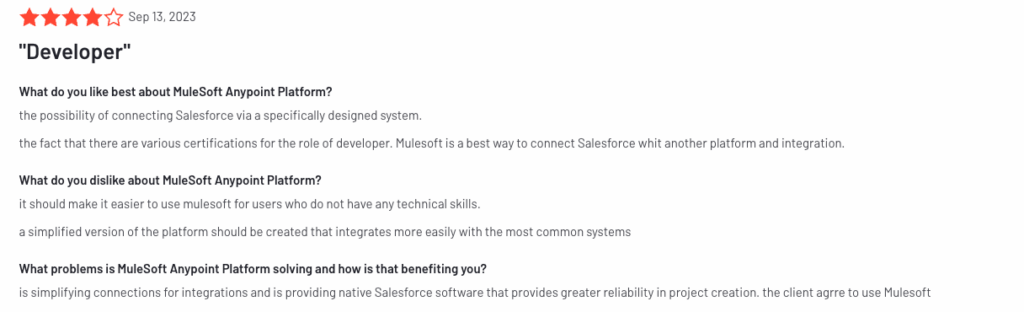
PROS/CONS– A veteran of the legacy industry, MuleSoft has a strong list of established customers that have invested heavily in the technology
– MuleSoft’s feature set is deep, extending far beyond iPaaS capabilities – Complicated and expensive pricing model
– All software developers and architects must be MuleSoft-certified to use the technology and interact with customer support on any matter
– End-of-life cycles are chronic and time-consuming, monopolizing expensive developer resources
As a legacy technology vendor, MuleSoft’s customer base is broad and varied. Customers featured on the company’s website include:
MuleSoft’s pricing is complicated, incorporating two different pricing models: usage-based and tiered. Customers must pay for:
MuleSoft offers a free trial of its Anypoint Platform.
For a deep dive into MuleSoft's legacy iPaaS, read the research paper.
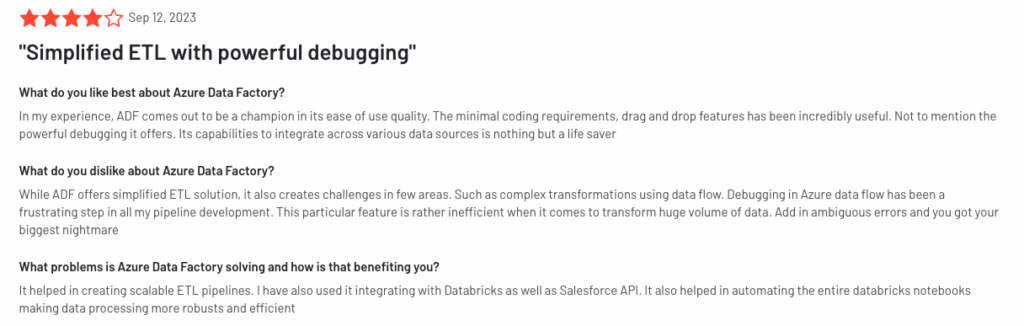

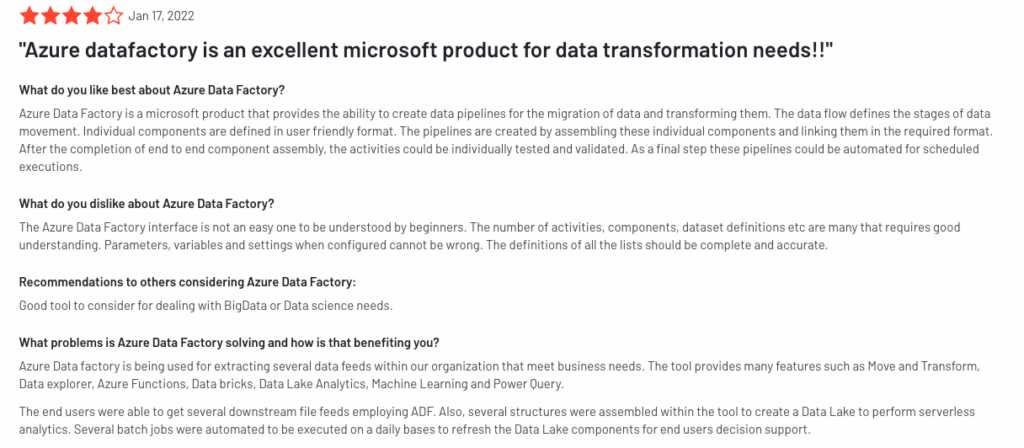
PROS/CONS– Developers working in an existing Azure environment are loyal and may prefer to build and code with Azure tools
– Strong API management tools
– Microsoft’s large existing customer base provides a stable foundation for Azure to build on – Simple tools unable to support sophisticated enterprise use cases, with limited pre-built connectors beyond the Azure ecosystem and difficulty with non-API-led connections
– Each tool has its own interface to learn and manage; a steep learning curve for all users
– Numerous and complex pricing models make costs difficult to monitor and control
Microsoft’s large existing customer base presents significant additional opportunities for Azure Integration Services. Customers featured on the company’s website include:
Azure Integration Services pricing varies. During implementation, Azure cloud services are required. Additional costs depend on the number of paid services deployed. Ongoing costs include additional Azure cloud services.
Azure Integration Services offers a free trial or pay-as-you-go account to test the product.
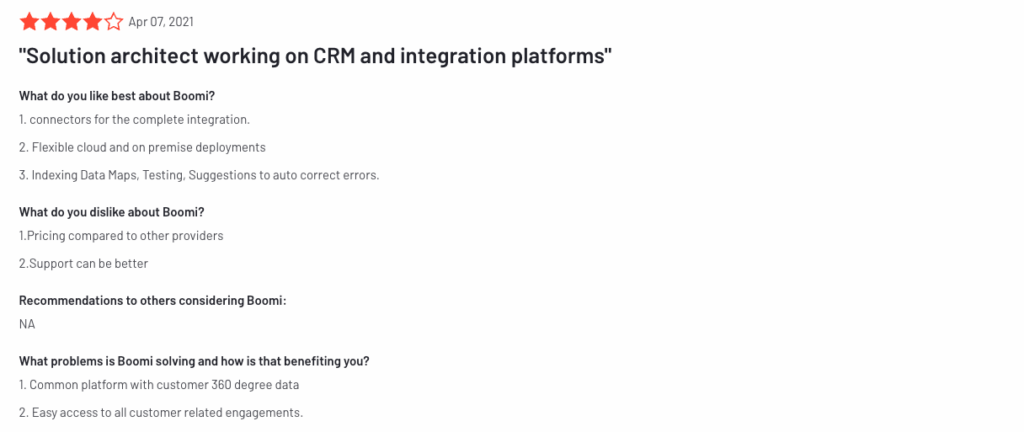
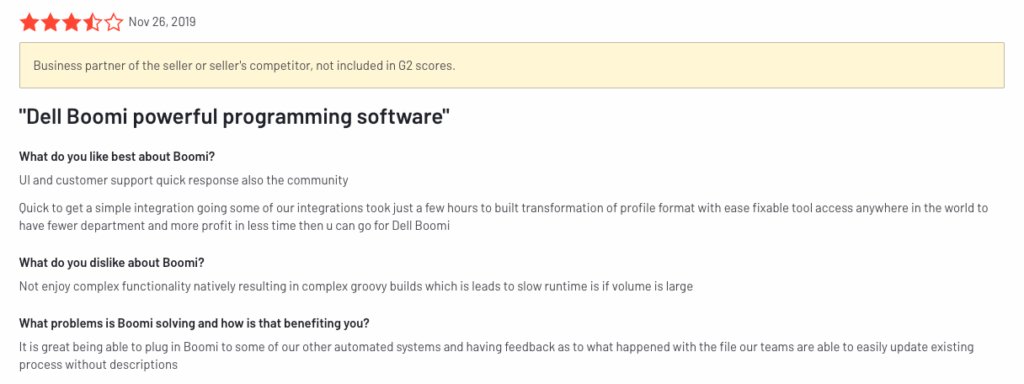
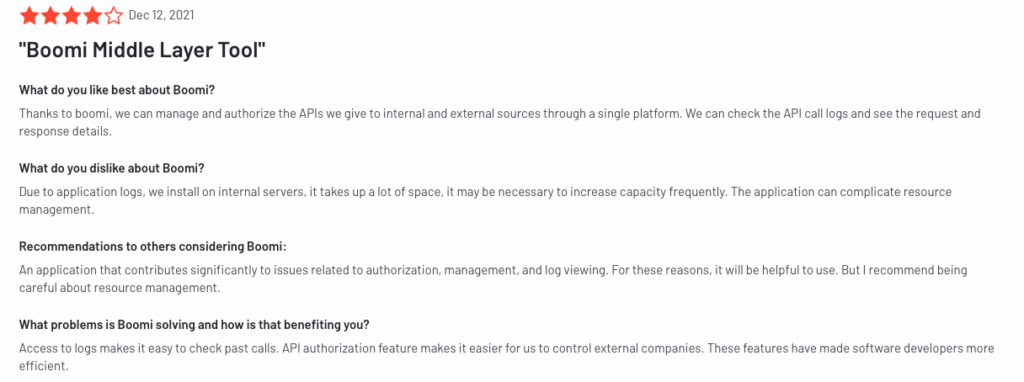
PROS/CONS– Well established in the industry with a large customer base
– Strong support for remote businesses with infrastructure requiring fully on-premises connectivity
– A viable choice for organizations that prefer to outsource integration and instead rely on Boomi’s pre-built connections, SI and ISV network, and Boomi marketplace – Complexity of use with seven different point products
– Expensive, complicated pricing and licensing; each tool has its own volume-based pricing model, and all support is paid
– Product roadmap focused on citizen developers and automation
Boomi pricing incorporates a combination of tiered and volume-based pricing. Editions include Professional, Pro Plus, Enterprise, and Enterprise Plus, with features varying by edition.
Customers must pay for:
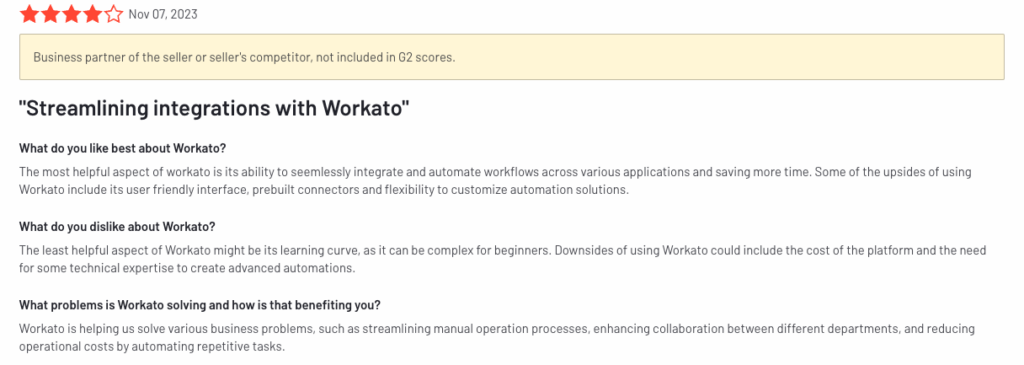
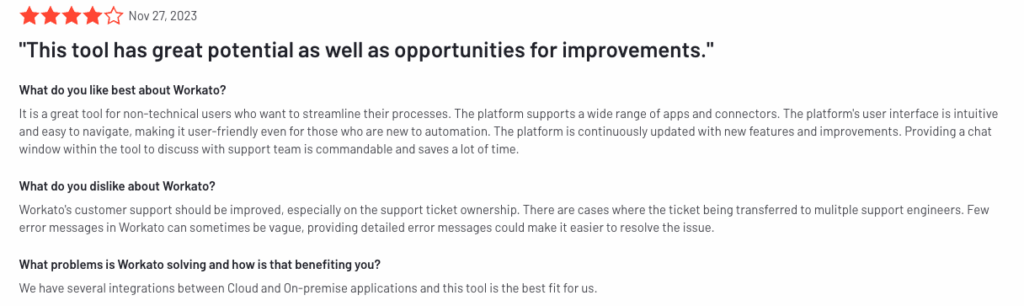

PROS/CONS– Known for ease of use in building automation for less sophisticated business use cases focused on citizen developers
– Most deployments involve ISVs to support expansion
– Especially popular with small and midsize businesses – Difficulty executing sophisticated enterprise integrations
– Reputation for rapid price escalation once deployed (charges for tasks and connectors)
– Unable to deploy in a private cloud; everything must be hosted
Customers featured on the company’s website include:
Workato pricing varies depending on integrations for the business or product:
Clearly, integration technology platforms vary by feature set, pricing models, and other differentiators. As you build your enterprise integration strategy, consider these universal benefits:
Your integration platform software must be compatible with the systems and applications you use today, as well as the innovations you will implement in the future.
Cloud-born iPaaS systems like Digibee natively support composable IT infrastructure. This agile environment makes it easy to connect all systems and applications—legacy or new and cutting-edge—regardless of whether they are on-premises or already in the cloud.
Complicated technology that requires significant training and expensive certification limits the resources available to get the work done. It also results in very long implementation times and delayed time to market.
With one of the fastest implementation times on the market, Digibee is 70% faster than legacy integration solutions. Watch the video to see how quickly developers build integrations with Digibee.
For most companies, investing in platform integration is an expensive proposition. According to Digibee’s State of Enterprise Integration survey in 2023, 59% of respondents invested up to a quarter of their IT budget in integration.
Avoid complex pricing models, especially common with legacy solutions that tend to combine usage with tiered pricing—a model that is difficult to monitor and control. Gartner Best Practices for Evaluating iPaaS Pricing is a useful resource.
Often overlooked during negotiations are the ongoing costs related to maintenance and support.
Modern cloud-born integration solutions update seamlessly, ensuring all users have access to the latest features and capabilities without investing resources—and potentially downtime—to support a new software version.
Contemporary iPaaS technology reduces dependency on a vendor for support. This is reflected in Digibee Support Offer which is provided free of charge. With an intuitive interface and drag-and-drop capabilities, developers learn and work quickly on their own to achieve fast results.
Each vendor featured in this buyer’s guide offers a demo and/or trial so you can test the technology before committing. Many Digibee customers began their journey with a guided and interactive tour, transitioning to a 60-minute personalized demo designed to address your specific use cases in your existing environment.
Use these resources to help inform your enterprise integration strategy:
For more information, take a look at our product website or contact us to chat with our team. Good luck with your integration project!
[1] Gartner Glossary: Integration Platform as a Service (iPaaS)
Rodrigo cofounded Digibee based on the principles of simplicity, agility and strong human connections — with the goal of freeing less technically savvy customers from their reliance on developers for more rapid, cost-effective digital transformations. After receiving a Bachelor in Computer Science and an MBA, Rodrigo went on to senior roles at CA Technologies and Zup Innovation.
MORE RESOURCES
